In the universe of electronic music, the art of sampling is a cornerstone. It involves the process of taking a portion of sound, be it from a pre-existing song, a drum loop, a track, or any audio file, and reusing it to create something new. In the realm of hip hop and electronic music, sampling has been the backbone of countless hit songs. As we embark on this comprehensive guide, we aim to provide beginners with the necessary knowledge and tips to start sampling. We’ll discuss where to find samples, the use of samplers, the importance of sample clearance, and the tools you need for effective music production. So, let’s dive into the world of music sampling.
Finding the Right Samples
Before you can start sampling, you need to know where to look for samples. There’s a vast world of sounds out there, waiting to be explored and incorporated into your music. But where do you start?
The internet is a treasure trove for finding samples. Numerous websites offer free sample packs which include drum loops, audio clips, and more. Websites such as Loopcloud, Splice, and Native Instruments offer an extensive library of royalty free samples. Remember, the goal is not just to find a sample, but to find the right sample that will enhance your track. You may also consider vinyl records, which are a classic source of rich, unique sounds.
In your quest to find samples, keep an open mind. Experiment with different sounds, from the chatter of a busy street to the soothing sound of rain. Sampled sounds can breathe life into a track, creating an engaging soundscape that intrigues the listener.
Using a Sampler
After finding your sample, the next step is manipulating it into something that fits your track. This is where a sampler comes in handy. A sampler is a hardware or software tool that can play, manipulate and create sounds from your sample.
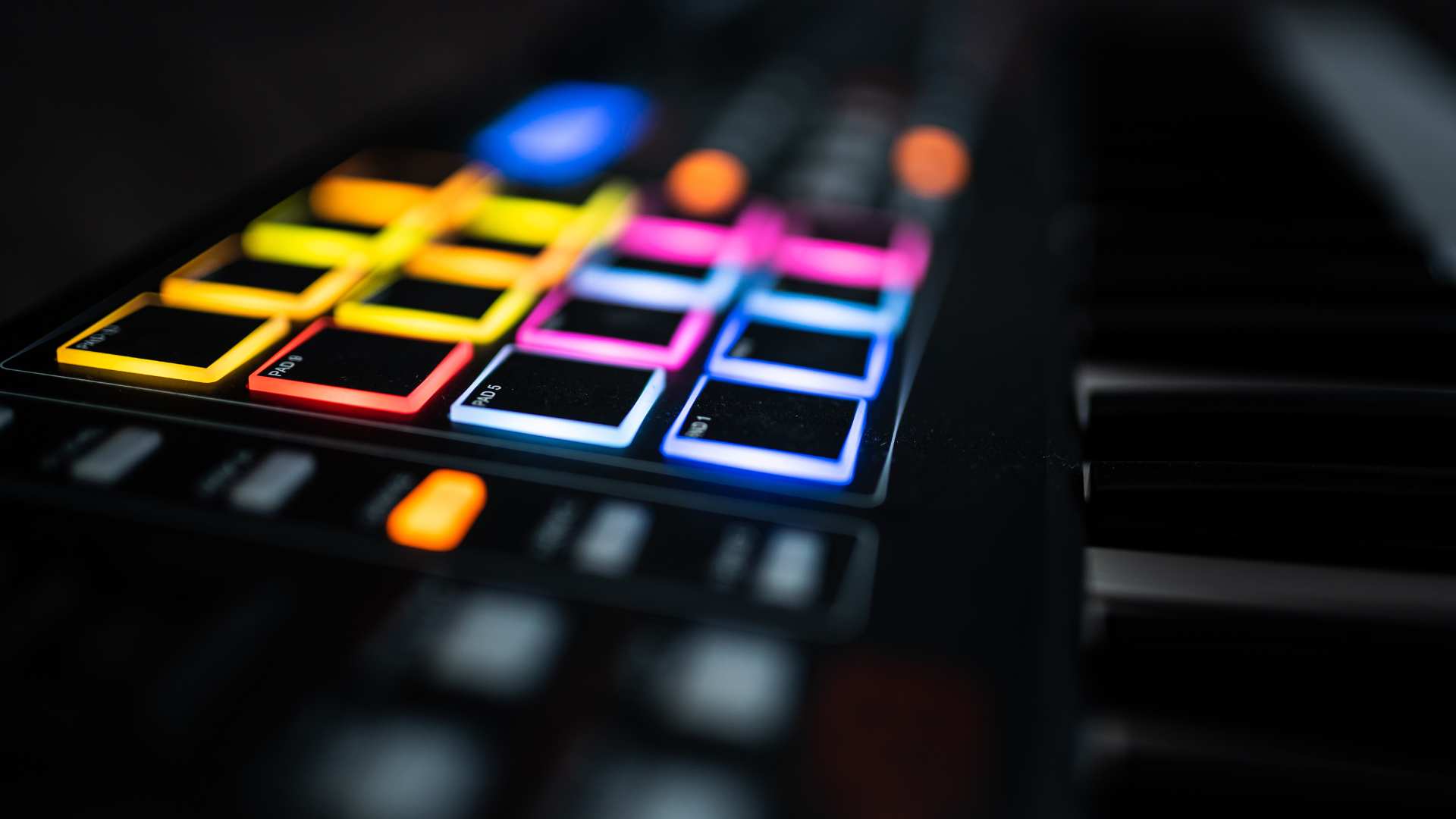
There are many samplers available in the market. From classic samplers like the Akai MPC series to software-based samplers such as Ableton Live’s Simpler or Serato Sample, the choices are manifold. Your selection will largely depend on your budget, workflow and the complexity of the tasks you want to carry out.
Most samplers allow you to tinker with the pitch, tempo, and amplitude of the sample. You can also chop up the sample into smaller parts, rearrange them, or loop them to create a continuous sound. A MIDI controller can be a great tool in this process, giving you more hands-on control over the parameters of the sample.
Understanding Sample Clearance
Sampling, while a creative process, also has legal aspects that you must understand. When you sample a piece of pre-existing music, you’re using someone else’s intellectual property. If the music is copyrighted, you’ll need to obtain sample clearance from the copyright holder. This could be the artist, record label, or a publishing company.
Not all samples need clearance. If you use royalty free samples or create your own sounds, you don’t need to worry about this. However, if you’re using someone else’s music, especially in a commercial track, it’s vital to get clearance to avoid legal issues.
In some cases, you might be able to use a sample under the concept of fair use. Fair use allows the use of copyrighted material under certain conditions, often for purposes like criticism, comment, news reporting, teaching, or research. However, it’s a complex and subjective area of law, and you should consult a legal professional if you believe your use of a sample could fall under fair use.
Tools for Effective Music Production
| Aspect | Hardware Sampling | Software Sampling | Field Recording | Looping Techniques |
|---|---|---|---|---|
| Definition | Using physical equipment to capture sounds | Using software to manipulate samples | Capturing sounds from the environment | Repeating sections of sound in a pattern |
| Pros | Tactile experience, unique sound texture | More control, easier to edit | Originality, personal touch | Easy to create a groove or rhythm |
| Cons | Can be expensive, steeper learning curve | Requires computer knowledge | Need recording equipment, unpredictable | Can become repetitive without variation |
| Beginner Tips | Start with a basic sampler, practice triggering samples | Explore free DAWs with sampling capabilities | Use your smartphone to capture sounds | Use loops to build a basic track structure, then add variations |
| Recommended Tools | Akai MPC, KORG Volca Sample | Ableton Live, FL Studio | Zoom H1n Handy Recorder | Looper pedals, software loopers |
| Inspiration Sources | Classic hip-hop and electronic tracks | Online tutorials, sample libraries | Nature sounds, cityscapes | Live performances, loop-based music genres |
| Skill Development Focus | Sampling workflow, beat making | Sound editing, sample manipulation | Audio capture techniques, field awareness | Rhythm creation, layering sounds |
A successful music production journey involves knowing which tools can ease your workflow and enhance your creativity. Apart from a good sampler and a vast sample library, there are a couple of other tools that can be incredibly beneficial.
A Digital Audio Workstation (DAW) is your primary tool for recording, editing, and producing audio. Popular DAWs such as Ableton Live, Logic Pro X and Pro Tools have built-in samplers and a wide range of other tools for mixing, mastering, and arranging your music.
Good quality headphones or studio monitors are also crucial. They give you a clear, accurate representation of your mix, helping you make informed decisions about levels, panning, EQ, and more.
In conclusion, learning to manipulate samples effectively can help you create unique, textured sounds that set your music apart. It’s about exploring, experimenting, and most importantly, enjoying the process. In time, you’ll find your unique way of working with samples, allowing you to push your creative boundaries and excel in the world of electronic music production. So get out there, find those mesmerizing sounds, start sampling, and create your masterpiece.


"Il canto degli Italiani", which can be translated as "The Read more